Vantage
Mastering that listens first.
Press LISTEN and play your song. Vantage measures it, sets every module, lands the loudness you choose, then measures the result and tells you what it did. Capture a whole song, hear three directions, and see exactly what was verified.
$7914-day free trial14-day refund
$39 $79 Black Friday, 50% off through Fri Nov 2714-day free trial14-day refund
2,300+ downloads of our five free plugins and 510+ producers on the list
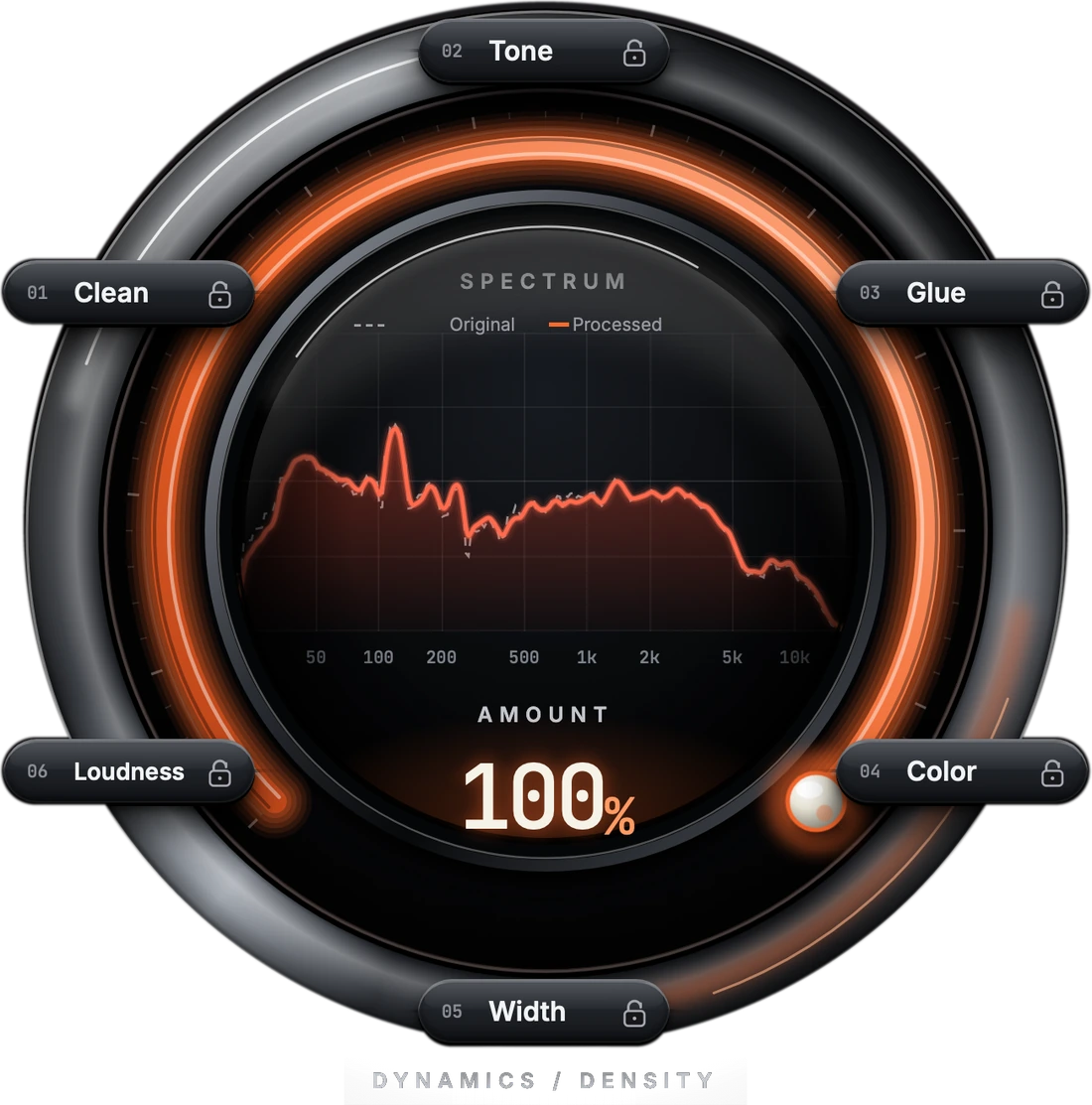
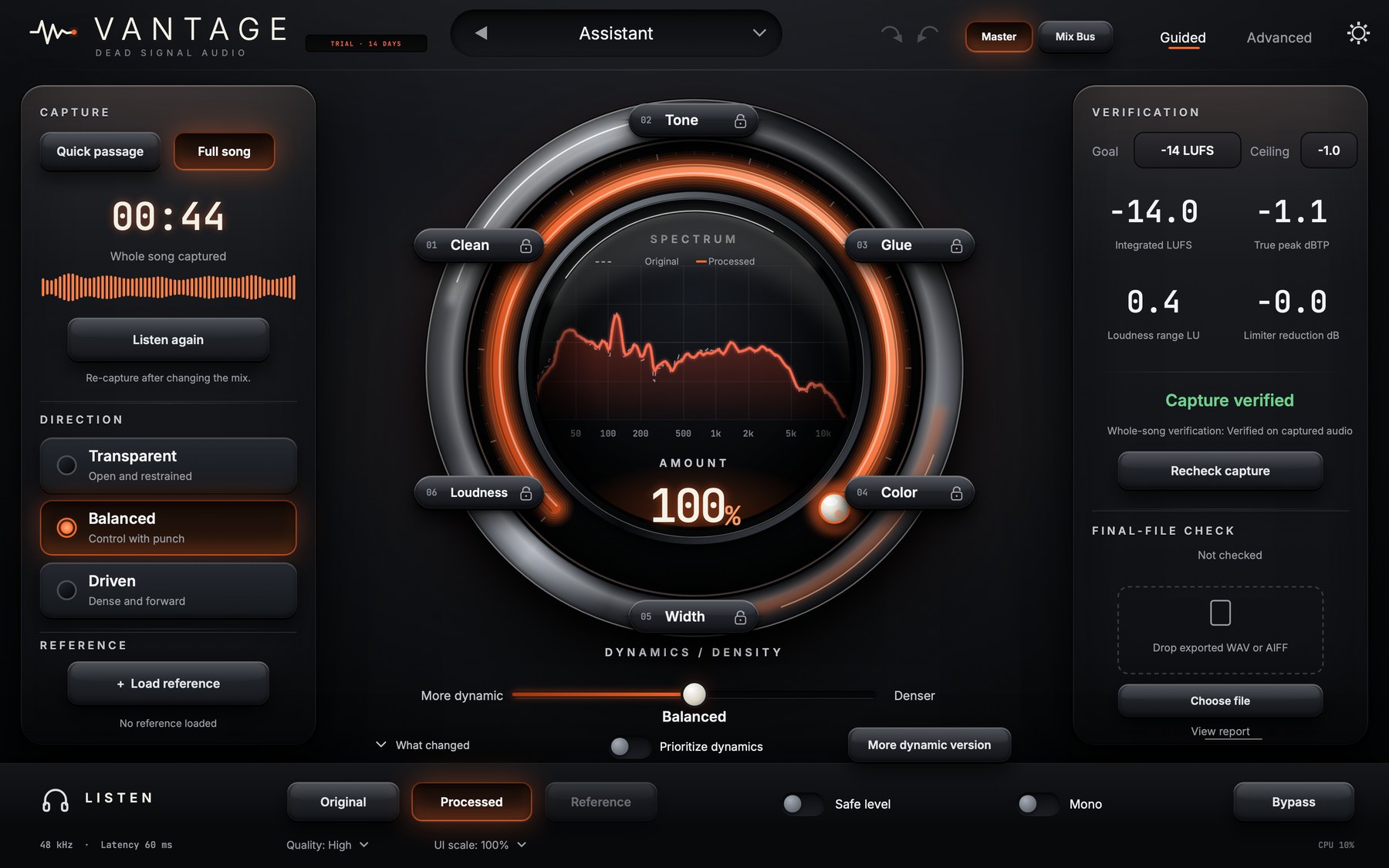
It shows its work.
Every move is written in plain English. The report lists only what was measured, with timestamps, and says what each measurement covers. No machine learning, and no audio leaves your computer.
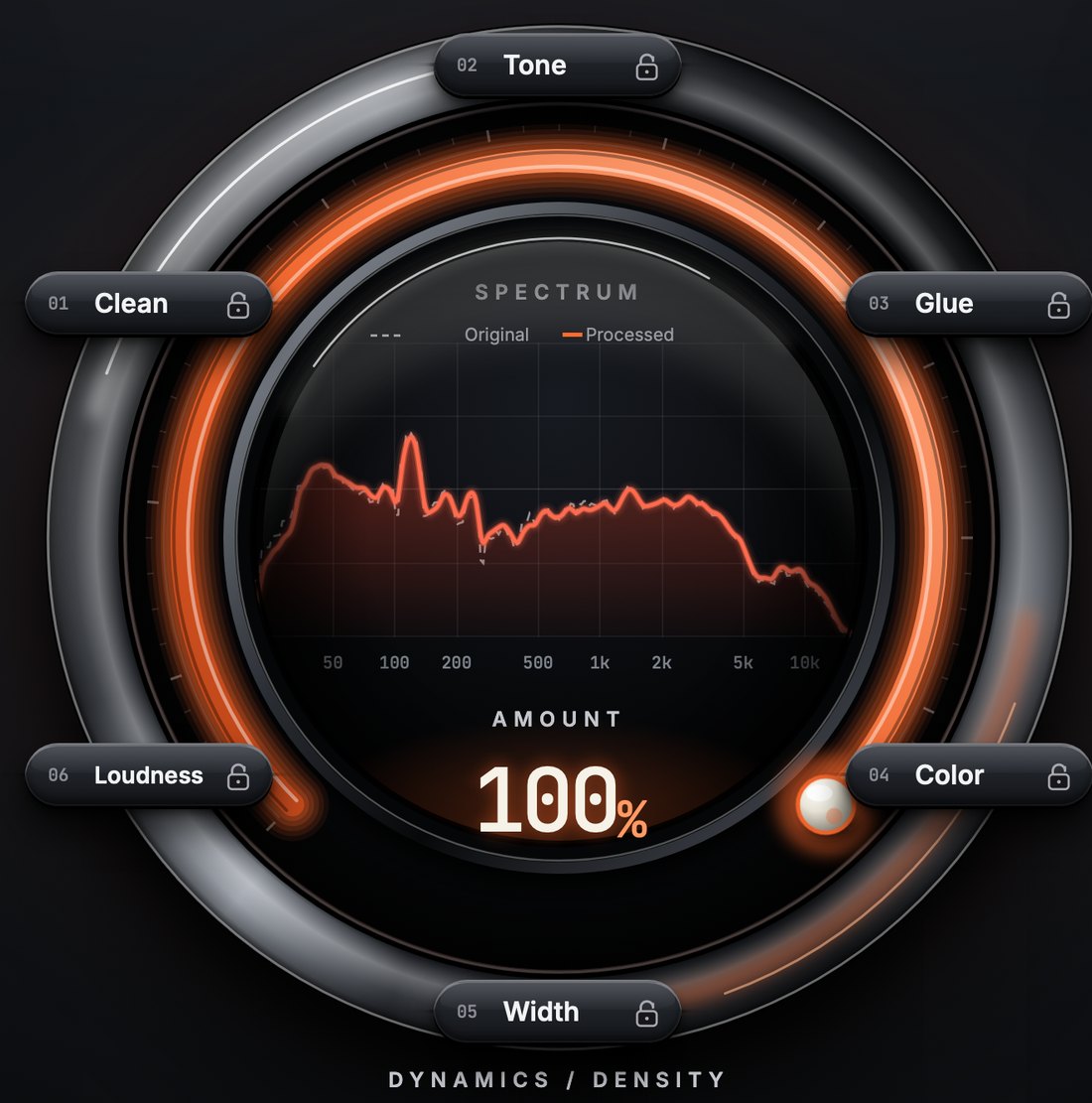
A passage, or the whole song.
Quick passage listens to up to 30 seconds and labels it as exactly that: an analyzed passage. Full song captures the song from start to end. If your DAW seeks or loops mid-capture, Vantage marks the capture incomplete instead of stitching it together.
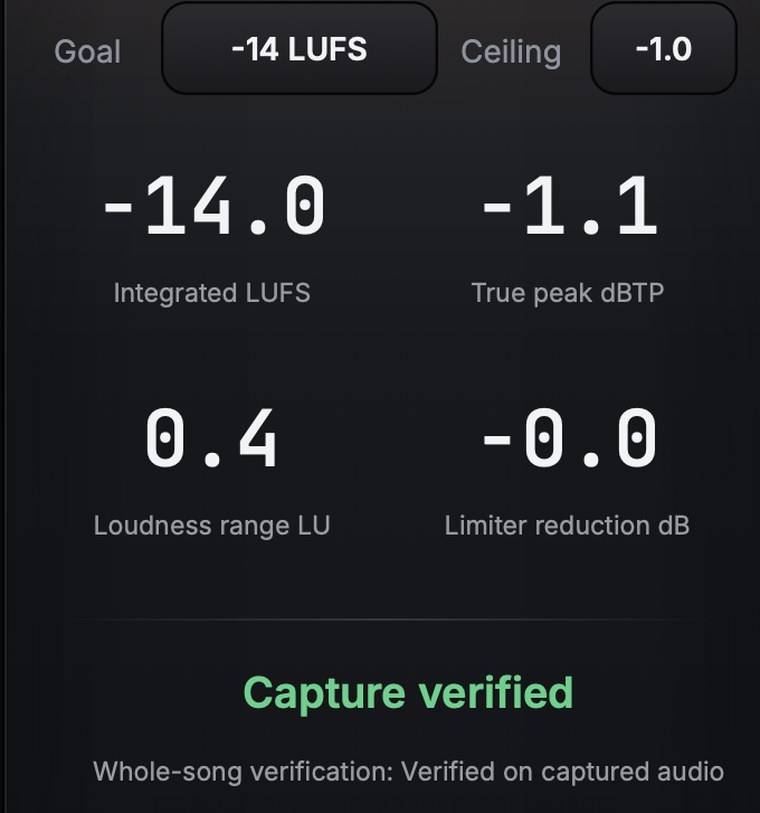
Measured, not estimated.
Vantage renders your whole capture through the same processing the plugin runs, then measures the result: integrated loudness, true peak, sample peak and loudness range. Change a setting, the target or the ceiling and it tells you the result is stale, then measures again. Verified on captured audio means exactly that. It is not a certificate for your final export.
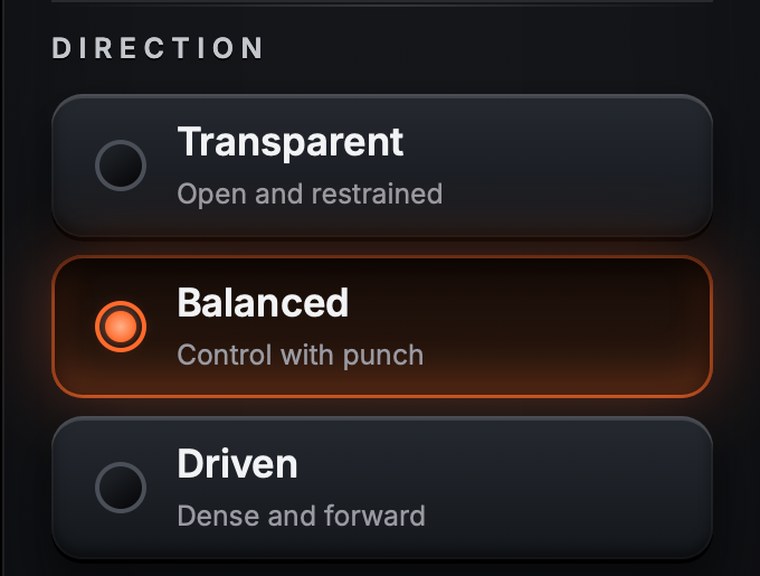
Three plans, one listen.
Transparent, Balanced and Driven are built from your own mix, so a harsh mix and a dark mix get different moves. All three aim at the same loudness so you can compare them fairly, and each keeps its own hand edits.
Dial it in without losing your edits.
AMOUNT sets how much of the plan is applied. DYNAMICS / DENSITY changes how hard the master is controlled while the loudness you hear stays put. A padlock on every module protects it from LISTEN, the directions and both macros. When a target takes a lot of processing, Vantage renders a more dynamic version and tells you how much quieter it is.
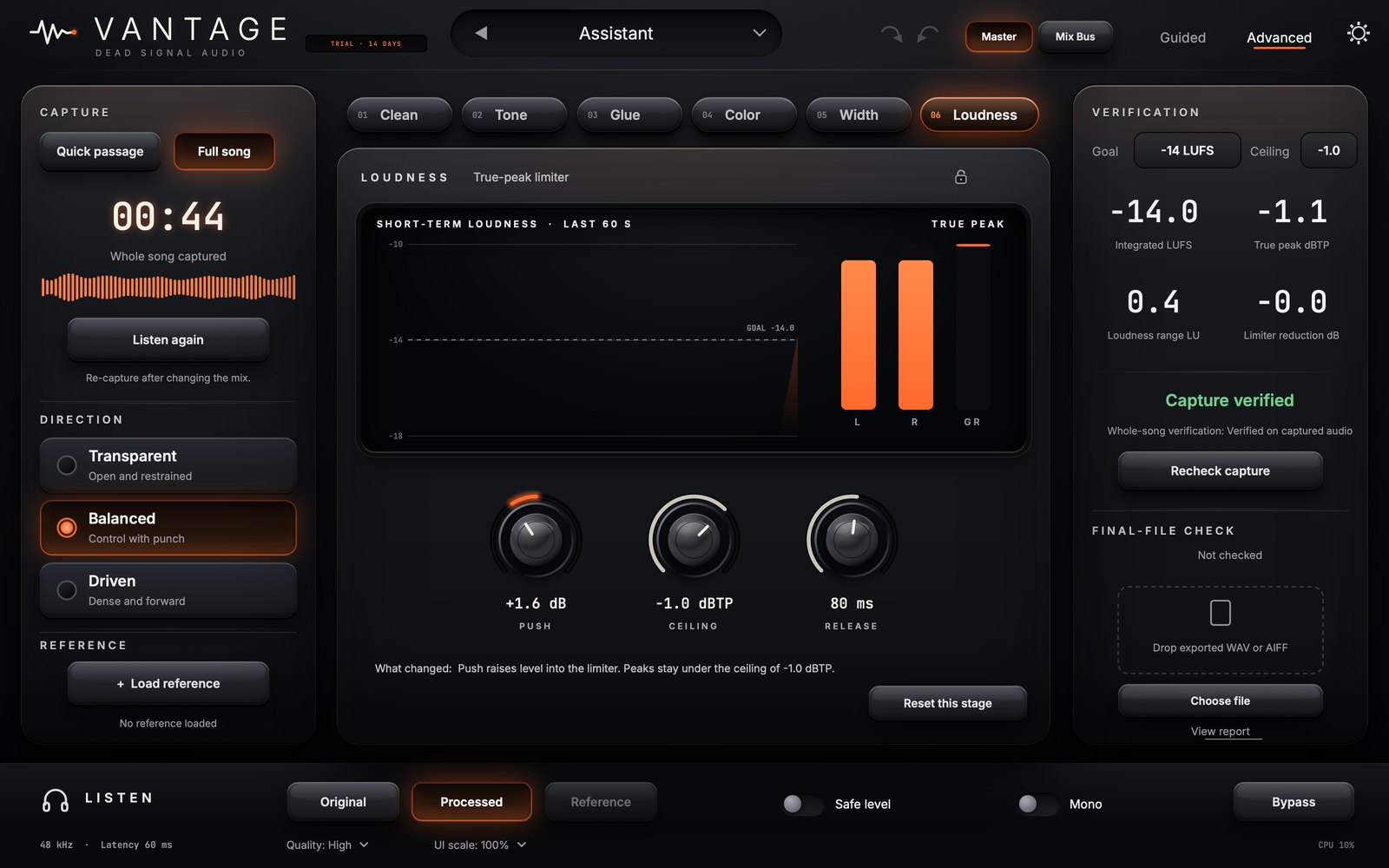
Lands where you choose.
Open the Goal menu and pick streaming (-14 LUFS), Apple Music (-16) or loud (-9), or choose a custom goal from -24 to -6 LUFS, then set the true-peak ceiling from -3.0 to 0.0 dBTP. The Verification panel shows what was measured against your goal and says what the measurement covers. Prioritize dynamics lets the result stay quieter rather than push the limiter harder.

Hear the change, not the volume.
Original plays your mix at the same loudness as the master, so the A/B is honest. Processed is the master. Reference plays a track you loaded at the same listening level. Safe level and Mono are for listening only and are never applied to a bounce, and Bypass plays your input untouched, in time. The report lists limiter and glue peaks, possible clipping and stereo observations with times you can audition, and the reference tools let you choose which part of a reference to compare and protect frequency regions.
Everything inside.
The details, the demos and the numbers we measured.
From people using Vantage, quoted with permission.
Been using Vantage on pretty much every mix lately. Gets me in the right direction really quickly. Love it.
Didn't expect to use this as much as I do. The A/B feature alone is worth it for me. Really happy with it.
Finally, a mastering plugin that doesn't take forever to figure out. Sounds great and does exactly what I need.
Three simple steps.
1Listen
Capture a passage or the whole song.
2Review
See what it measured and set.
3Compare
A/B with level matching.
Six processing stages.
Clean
Cuts resonances only while they flare.
Tone
Five-band linear-phase EQ, plus reference MATCH with ranges and protected regions.
Glue
A bus compressor, single or three-band.
Color
Warm saturation at 4x oversampling.
Width
Mono low end, a wider top.
Loudness
True-peak limiter with LUFS targets, or your own.
Mac and Windows.
macOSAU · VST3
WindowsVST3
Common questions.
What does Vantage do?
What is Full song?
What does verified mean?
Which formats are included?
Is there a free trial?
Can I use it in my existing workflow?
Does it use AI or send my audio anywhere?
Will it change my tone behind my back?
Will it just make things louder?
What does it cost, and is it a subscription?
What we measured.
Every number here came from the test suite that runs on every build, on Mac and Windows.
| Test | Result |
|---|---|
| LISTEN on a real mix, aimed at -14 / -16 / -9 LUFS | -13.9 / -15.9 / -9.1 |
| Peaks on that mix at every target (ceiling -1 dBTP) | -1.05 dBTP or lower |
| Full-band white noise slammed 12 dB into the limiter | -1.03 dBTP |
| Original key: your mix vs the master's loudness | within 0.06 LU |
| Reference match on a known EQ change, worst third-octave band | 0.37 dB |
| A full-song capture of a song with a quiet intro and loud choruses, aimed at -14 LUFS: whole-song loudness | -13.95 LUFS |
| That verified result vs an independent run of the same settings in odd block sizes | within 0.02 LU |
| Peaks of the rendered result at 44.1 / 48 / 88.2 / 96 kHz (32x reference meter, ceiling -1 dBTP) | -1.05 dBTP at every rate |
| Processing Amount moved to 40% and back to 100%: drift in any setting | 0.000 |
| A ten-minute song at 96 kHz: whole-song analysis time | 21 s |
| Everything switched off, signal under 18 kHz: output vs input (largest difference) | -137 dBFS |
Get Vantage.
A complete mastering solution that listens, helps, and delivers polished results.
Secure checkout by Paddle. Your license key appears as soon as payment clears.
Try it first: Mac trial · Windows trial · Pro Tools (AAX), Mac only (email needed). Full plugin for 14 days, then it is silent until you unlock it. Install help